How to Write Better Text to Image Prompts
A practical prompt structure for creating sharper AI images for ads, posters, product concepts, and storyboards.
Start with the job the image needs to do
A strong text to image prompt starts with intent. Before writing style words, decide whether the image needs to sell a product, explain a scene, test a concept, or become a first frame for video.
That goal changes the prompt. A poster needs readable composition and a clear focal point. A storyboard frame needs camera direction and continuity. A product visual needs material, surface, lighting, and background control.
- Name the subject and its role in the image.
- Describe the setting, camera angle, and lighting.
- Add constraints for format, platform, and details that must stay visible.
Use a repeatable prompt formula
For most creative work, a reliable formula is: subject, action, environment, camera, lighting, style, output use, and negative constraints. This gives the model enough structure without turning the prompt into a fragile wall of keywords.
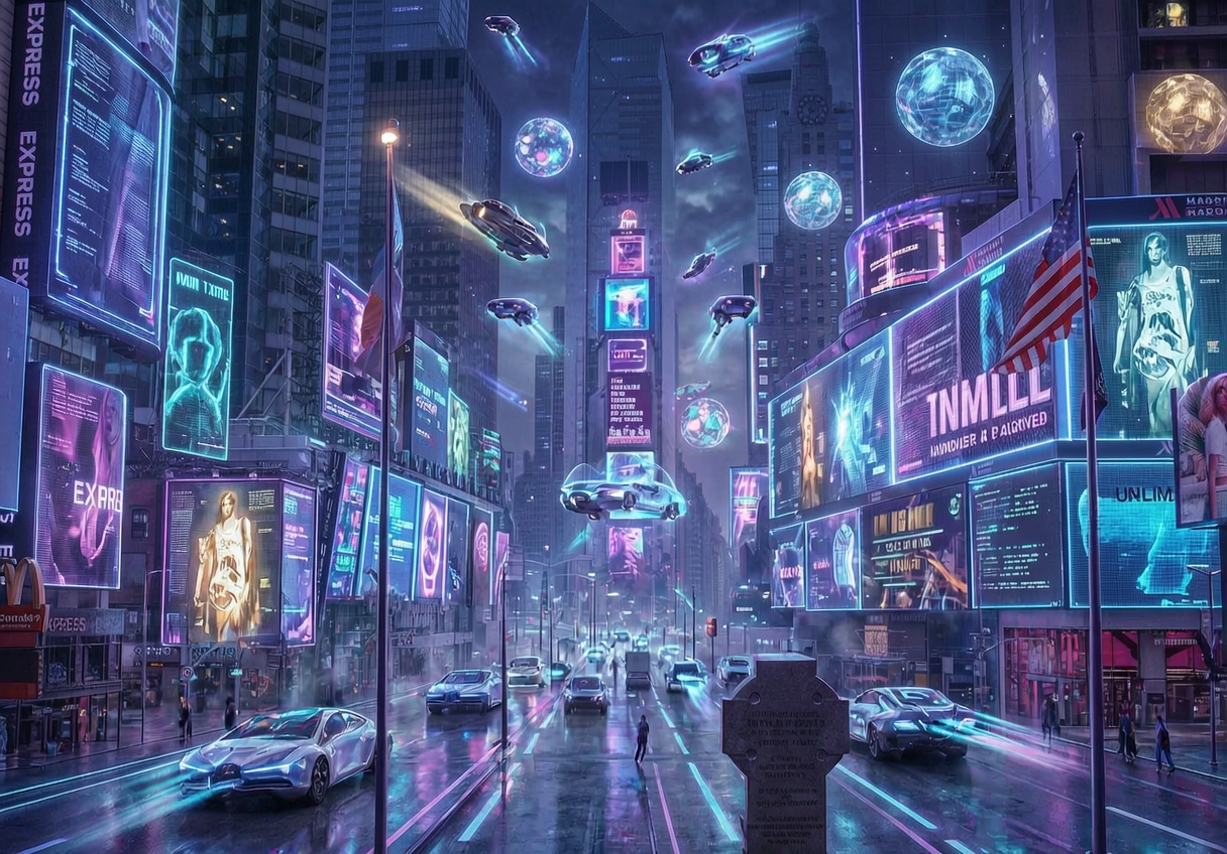
For example, instead of asking for a futuristic city, specify a rain-soaked night street, low angle camera, neon signage reflected on wet pavement, cinematic lighting, and room for a headline at the top.
Iterate toward production details
The first generation is usually a direction, not the final asset. Compare the strongest outputs, then refine one part at a time: composition, color palette, texture, product visibility, or character pose.
When a result has the right layout but the wrong details, move it into an image editing workflow instead of starting from scratch. That keeps iteration focused and saves time.